English
 中文简体
中文简体 русский
 Español
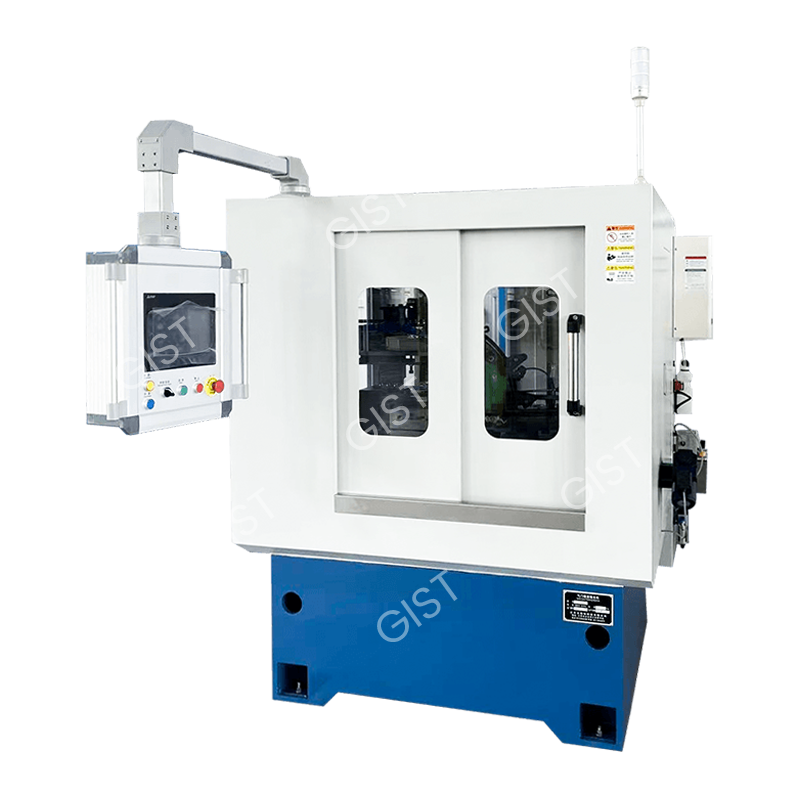
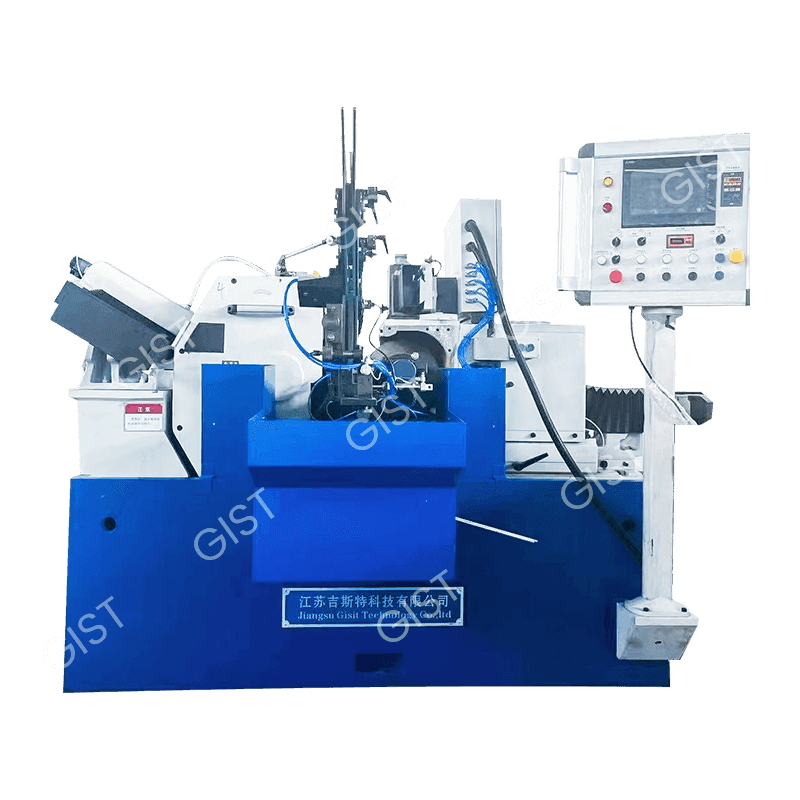
Ceramic CBN Grinding Wheel Precision Cone Grinding Machine
Cat:CNC Valve Grinding Machine
Category: Special valve CNC grinder Product Overview: The company has passed the certification of various systems such as ISO9001:2015 quality man...
MoreCNC lathes are key equipment in modern manufacturing, widely used in industries such as automotive, aerospace, and mechanical processing. With increasing production demands and extended use, CNC lathes inevitably encounter some problems during daily operation. To ensure the normal operation of the lathe and improve production efficiency, understanding and mastering common faults and their solutions is an essential skill for every operator.
This article will guide you through five common faults of CNC lathes and their solutions, and provide some maintenance tips to help you identify and effectively address problems in a timely manner, ensuring smooth production.
1. CNC Lathe Fails to Start
Fault Symptoms:
When the start button is pressed, the CNC lathe fails to start, the display screen is blank or unresponsive, often causing production downtime.
Common Causes:
Power supply problems: The power is not connected, the power cord is loose, or the plug has poor contact.
Blown fuse: The equipment's fuse may have blown due to overload, preventing the lathe from starting.
Emergency stop button: Some CNC lathes are equipped with an emergency stop button; if this button is not released, the equipment will not start.
Electrical control system failure: A malfunction in the electrical control system or main control board can also prevent the lathe from starting.
Solutions:
Check the power supply: First, confirm that the power is connected, the power plug is securely plugged in, and the power lines are intact.
Replace the fuse: Check if the lathe's fuse is damaged; if so, replace it with a fuse of the same specifications.
Check the emergency stop button: Ensure that the emergency stop button is in the released state to avoid accidental operation preventing the system from starting.
Check the electrical control system: If other methods are ineffective, you need to check the electrical control system to ensure that the control board and related electrical components are working properly. If necessary, contact a professional technician for repair.
2. Unstable Movement of the CNC Lathe
Fault Symptoms:
During operation, the lathe experiences vibration, uneven movement, and unstable tool movement, affecting machining accuracy and workpiece surface quality.
Common Causes:
Wear of guide rails and ball screws: Guide rails and ball screws are important guarantees of the accuracy of CNC lathes. Long-term use can lead to wear, which in turn affects the smooth movement of the lathe. Transmission System Failure: Loose or damaged transmission system components such as gears and belts can lead to unstable movement.
Motor and Driver Problems: Malfunctions in the motor or driver can also cause unstable movement.
Poor Lubrication: Insufficient or substandard lubricating oil increases friction between moving parts, causing sticking and vibration.
Solutions:
Cleaning and Lubrication: Regularly clean the guide rails, remove dust and debris, and apply appropriate lubricating oil.
Check Guide Rails and Lead Screws: Check the wear of the guide rails and lead screws. If worn, replace or repair them promptly.
Check the Transmission System: Check for looseness and damage in components such as belts, gears, and couplings, and adjust or replace them as needed.
Check the Motor and Driver: Check the motor current and driver settings to ensure they are working properly. If necessary, replace the motor or adjust the driver.

3. Excessive Tool Wear
Fault Manifestation:
The tool wears out too quickly during processing, leading to reduced processing accuracy or even inability to complete the processing task. This is common with high-hardness materials or when cutting parameters are set incorrectly.
Common Causes:
Improper Cutting Parameters: Setting cutting speed, feed rate, and cutting depth too high can easily lead to rapid tool wear.
Incompatible Tool Material: Using a tool material that is not compatible with the workpiece material will also accelerate tool wear.
Insufficient or Poor-Quality Coolant: Lack of sufficient coolant or poor-quality coolant can lead to excessive tool temperature, accelerating wear.
Poor Tool Quality: Inferior tool materials or poor manufacturing processes directly affect the tool's service life.
Solutions:
Optimize Cutting Parameters: Adjust reasonable cutting speed, feed rate, and cutting depth based on the workpiece material and tool type.
Select the Right Tool: Choose the appropriate tool material, coating, and geometry based on processing needs to extend tool life.
Improve Cooling Effect: Ensure normal coolant flow and pressure, and use appropriate coolant to reduce tool temperature and wear.
Regular Tool Replacement: Tools should be replaced promptly after a certain amount of use to avoid processing quality problems caused by tool wear.
4. CNC Lathe Machining Errors
Fault Symptoms:
The dimensions of the machined workpiece do not meet the requirements, resulting in errors. Machining errors may be caused by single or multiple factors.
Common Causes:
Inaccurate CNC system settings: System parameters are not adjusted in time, or the accuracy of mechanical components does not meet the requirements, leading to machining errors.
Mechanical component wear: Wear of components such as lead screws and guide rails reduces accuracy and affects machining quality.
Tool wear: After tool wear, the cutting performance decreases, which can lead to deviations in the dimensions of the machined workpiece.
Environmental factors: Changes in workshop temperature or excessive equipment vibration can also affect machining accuracy.
Solutions:
Regularly calibrate the CNC system: Regularly calibrate the CNC system to ensure that all parameter settings are correct.
Check mechanical components: Regularly check the wear of components such as lead screws and guide rails, and replace or repair them if necessary.
Replace tools: When tool wear is detected, replace the tool promptly to avoid machining errors.
Improve the working environment: Ensure that the workshop temperature is suitable and avoid excessive vibration affecting machining accuracy.
5. CNC Lathe Alarm or Fault Code Display
Fault Symptoms:
An alarm or fault code appears on the lathe's display screen, preventing the equipment from continuing to operate normally.
Common Causes:
Electrical system failure: Electrical components such as sensors, terminal blocks, and relays malfunction, preventing the system from working properly.
Program problems: Errors in the CNC program or unstable program operation can also cause system alarms.
System overload: Excessive system load, exceeding the equipment's capacity, may lead to malfunctions.
Solutions:
Consult the fault code manual: Find the cause based on the fault code and troubleshoot and resolve the problem according to the operation manual.
Check the electrical system: Check the wiring, sensors, and the working status of the electrical control system to ensure that all components are functioning correctly.
Check the CNC program: Check and correct errors in the CNC program to ensure that the program runs correctly.
System restart: Sometimes the fault is temporary, and restarting the CNC system may solve the problem.
Common faults in CNC lathes often involve multiple aspects such as electrical, mechanical, and operating parameters. Timely detection and resolution of these problems are crucial for ensuring the long-term stable operation of the lathe. Regular maintenance, optimization of cutting parameters, and reasonable tool selection can effectively reduce the frequency of failures.
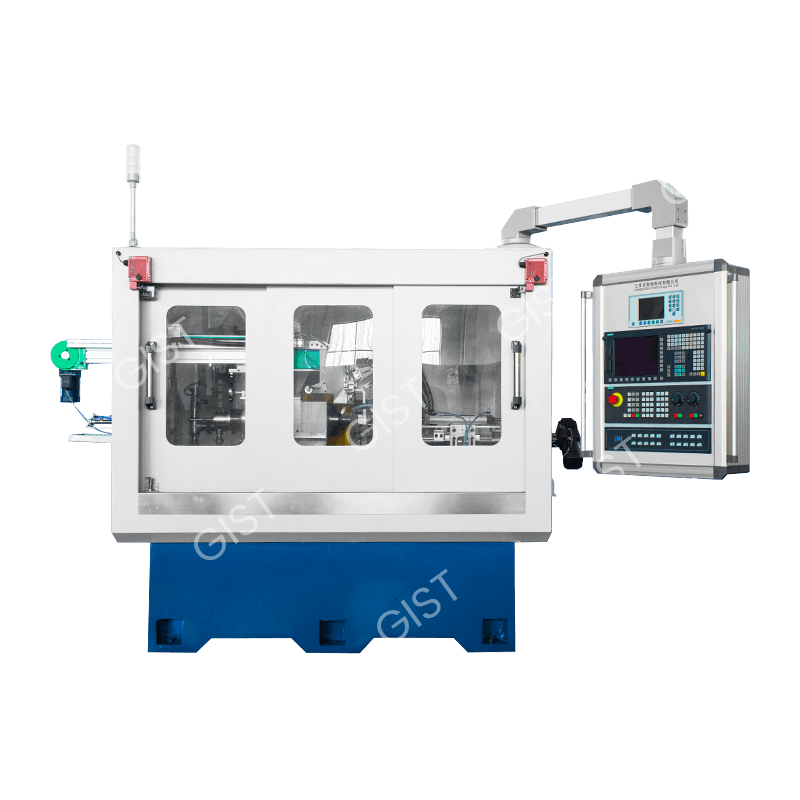
Category: Special valve CNC grinder Product Overview: The company has passed the certification of various systems such as ISO9001:2015 quality man...
More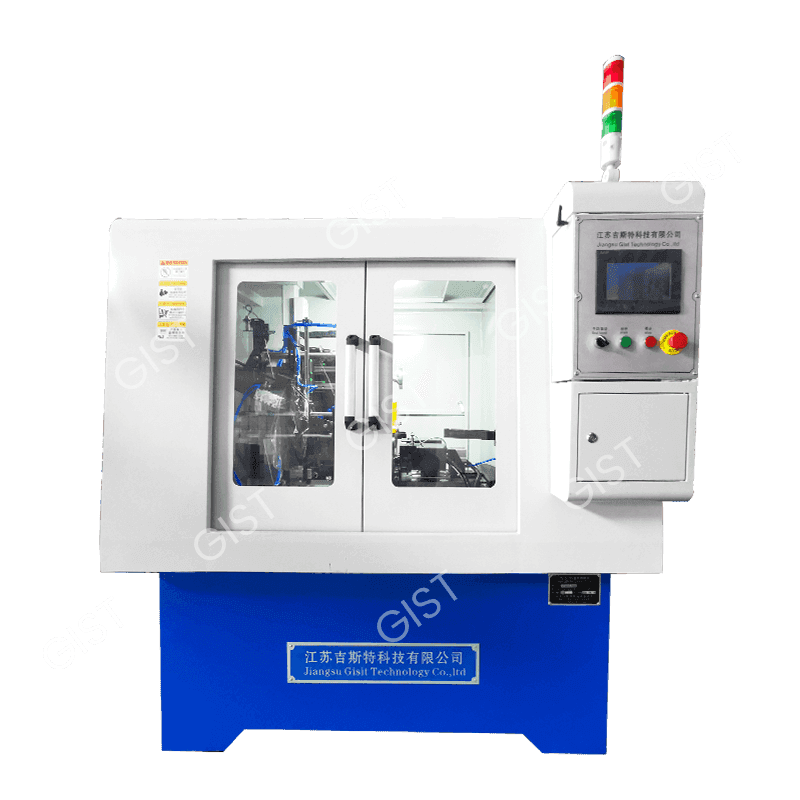
Category: Special valve CNC grinder Product Overview: The company has passed the certification of various systems such as ISO9001:2015 quality man...
More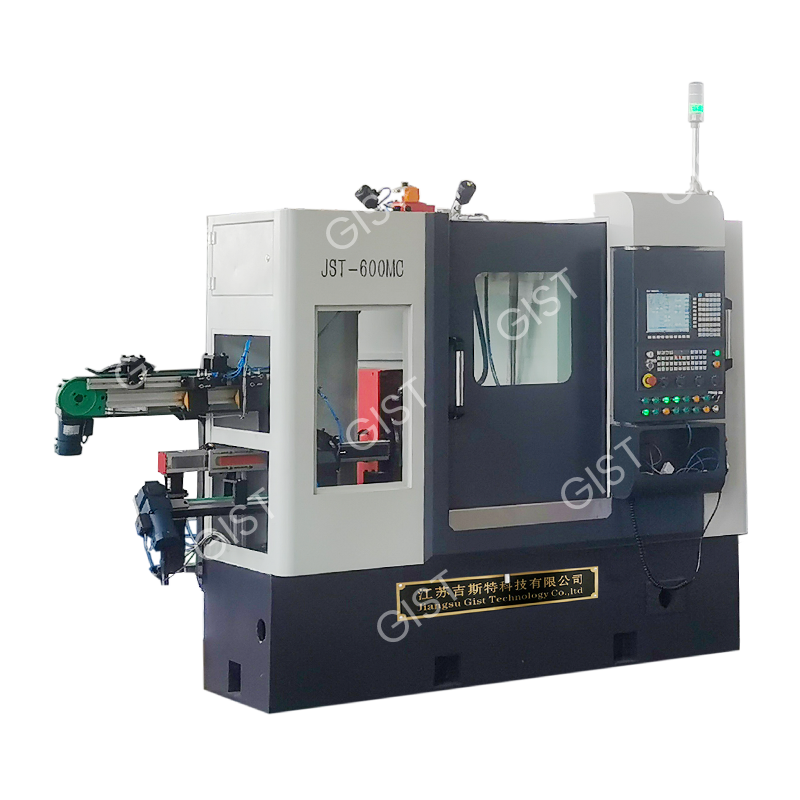
Category: Special valve CNC grinder Product Overview: The company has passed the certification of various systems such as ISO9001:2015 quality man...
More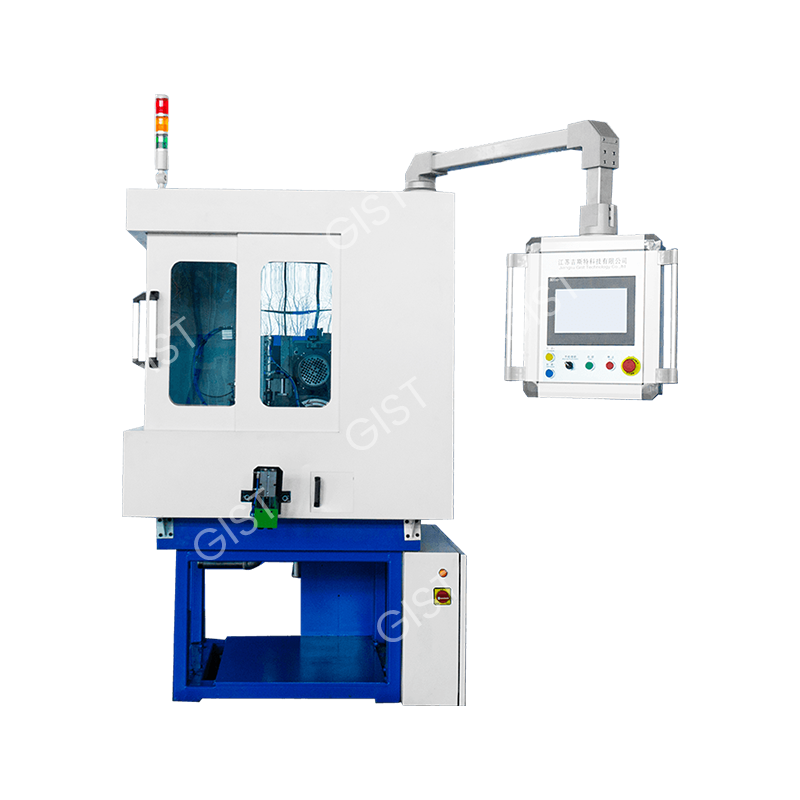
Category: Special valve CNC grinder Product Overview: The company has passed the certification of various systems such as ISO9001:2015 quality man...
More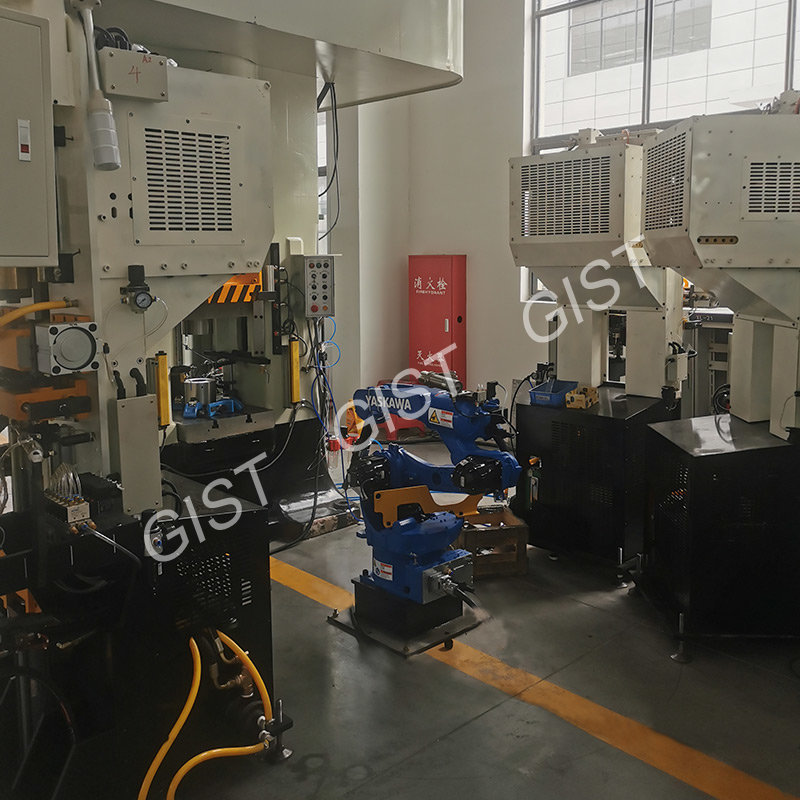
Category: Valve blank molding equipment Product Overview: The company has passed the certification of various systems such as ISO9001:2015 quality...
More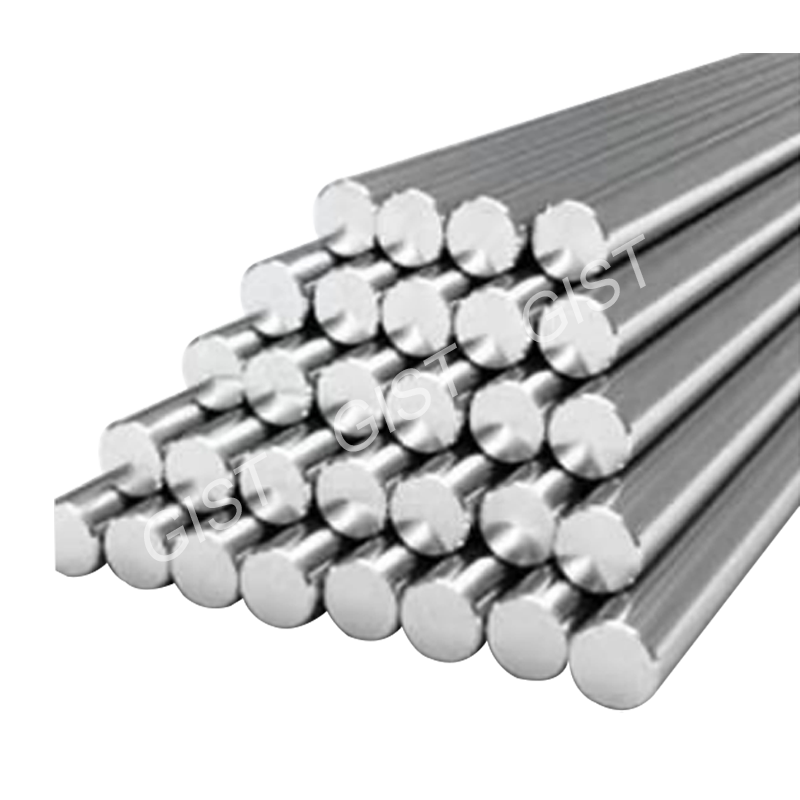
Category: Production auxiliary products Product Overview: The company has passed the certification of various systems such as ISO9001:2015 quality...
More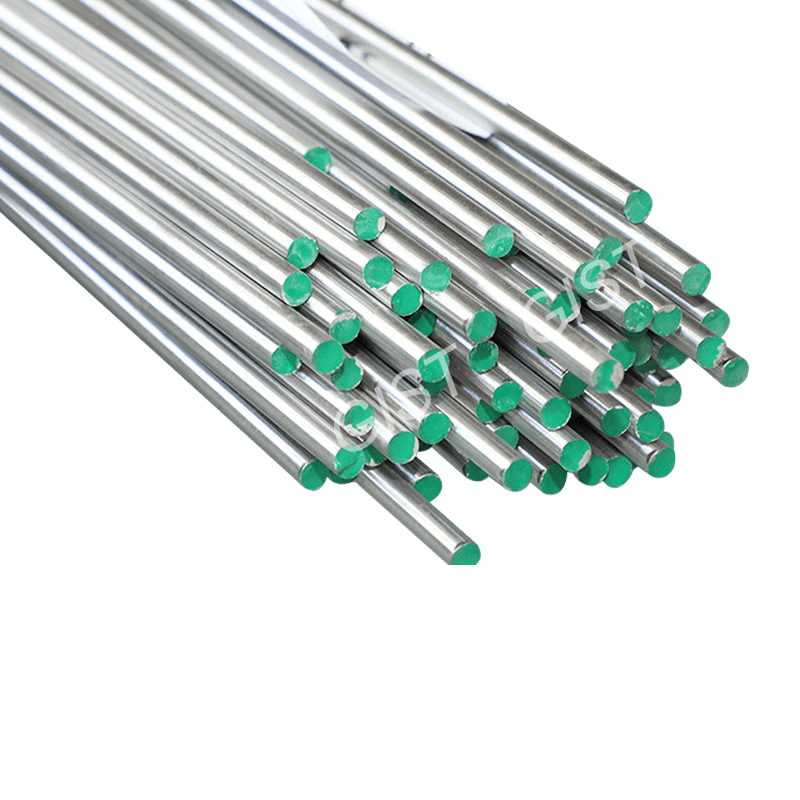
Category: Production auxiliary products Product Overview: The company has passed the certification of various systems such as ISO9001:2015 quality...
More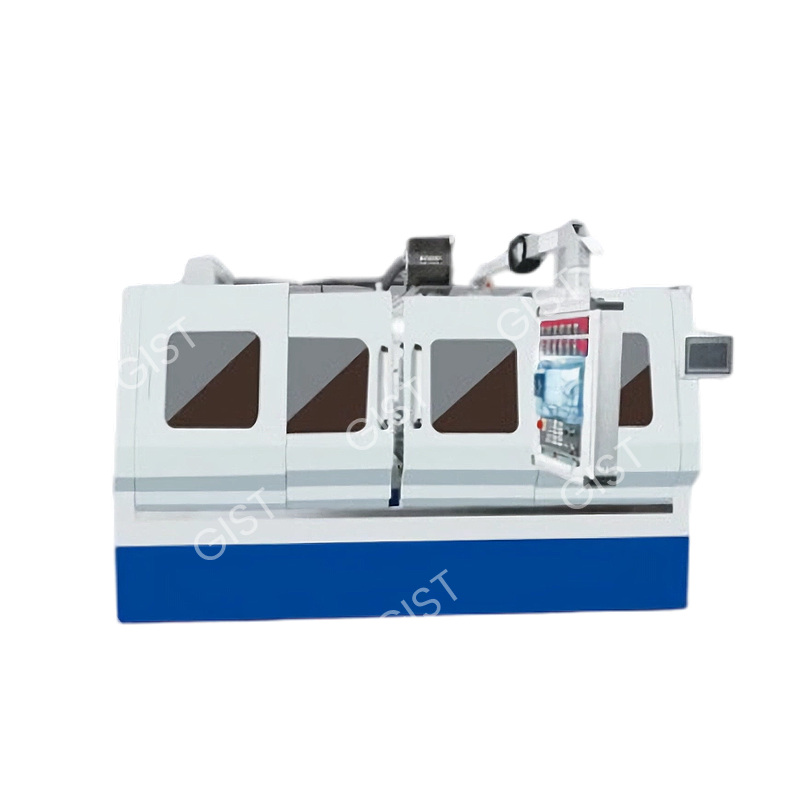
Category: Centreless grinder Overview: The company implements and implements various system management requirements, constantly innovates and impro...
More
 86-13584767515
86-0515-89500828
 No. 1, Industrial Concentration Area, Wulie Town, Dongtai City, Jiangsu Province
Product